Multipass + cloud-init Link to heading
My reproducible Ubuntu DevOps VM in one command
To avoid a local environment cluttered with manual installations and version conflicts in backend and DevOps, I use a lightweight and clean solution: an Ubuntu virtual machine (VM) in Multipass, configured from the first boot with cloud-init.
This allows me to spin up a declarative, reproducible, and disposable environment in minutes. If something fails, I delete the VM and recreate it without affecting my host machine.
GitHub repository: afr-dt/cloud-init-config
What problem am I solving? Link to heading
Working with multiple tools (Terraform, Kubernetes, cloud CLIs, and runtimes) directly on the host machine leads to common issues:
- Conflicts between programming language versions (Python, Node.js, Go) and system packages.
- Difficulty updating AWS/GCP CLIs consistently.
- Lack of documentation on how tools were installed.
- Low reproducibility when changing computers or sharing setups.
The goal is to achieve an isolated environment that is declaratively defined (version controlled in Git) and easy to destroy and recreate in seconds.
Why Multipass + cloud-init? Link to heading
While containers are very useful, sometimes you need a complete development environment with a real operating system.
Multipass allows you to create lightweight Ubuntu VMs quickly and easily. cloud-init automates the initial installation and configuration using a declarative file (YAML), replacing long manual installation guides. In short: Multipass provides the machine, and cloud-init defines its state.
Architecture of the approach Link to heading
macOS / Linux host -> Multipass -> Ubuntu VM -> cloud-init -> Tools and Runtimes
This workflow keeps the host machine clean and the workspace isolated.
What this DevOps instance includes Link to heading
The VM is automatically provisioned on its first boot with the following tools:
- Languages and Runtimes: Go, Python (managed with
uv), Node.js (managed withnvm), andbuild-essential. - Cloud & Infrastructure: Terraform, AWS CLI v2, and Google Cloud CLI (
gcloud). - Kubernetes:
kubectl,k9s,kubectx,kubens, andkubecolor. - Environment & Utilities: Zsh with Starship, Neovim with LazyVim,
jq,fzf,htop,tmux,curl, andgit.
Launching and managing the VM Link to heading
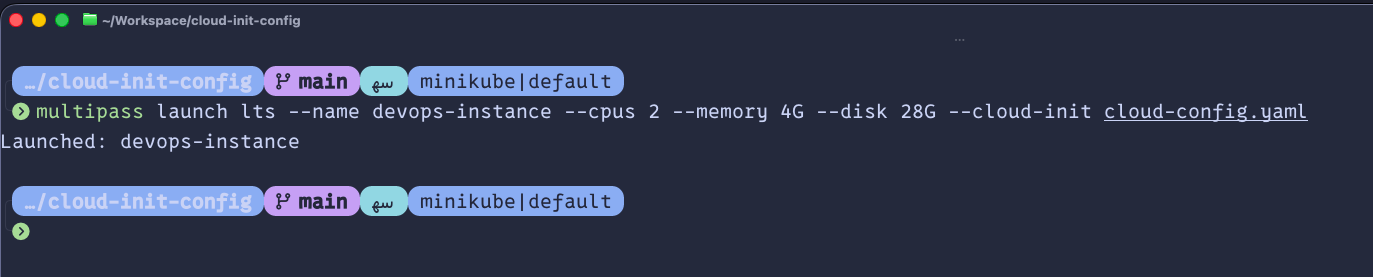
With Multipass installed, clone the repository and run:
# Create the VM using our configuration
multipass launch lts --name devops-instance --cpus 2 --memory 4G --disk 28G --cloud-init ./cloud-config.yaml
# Enter the VM terminal
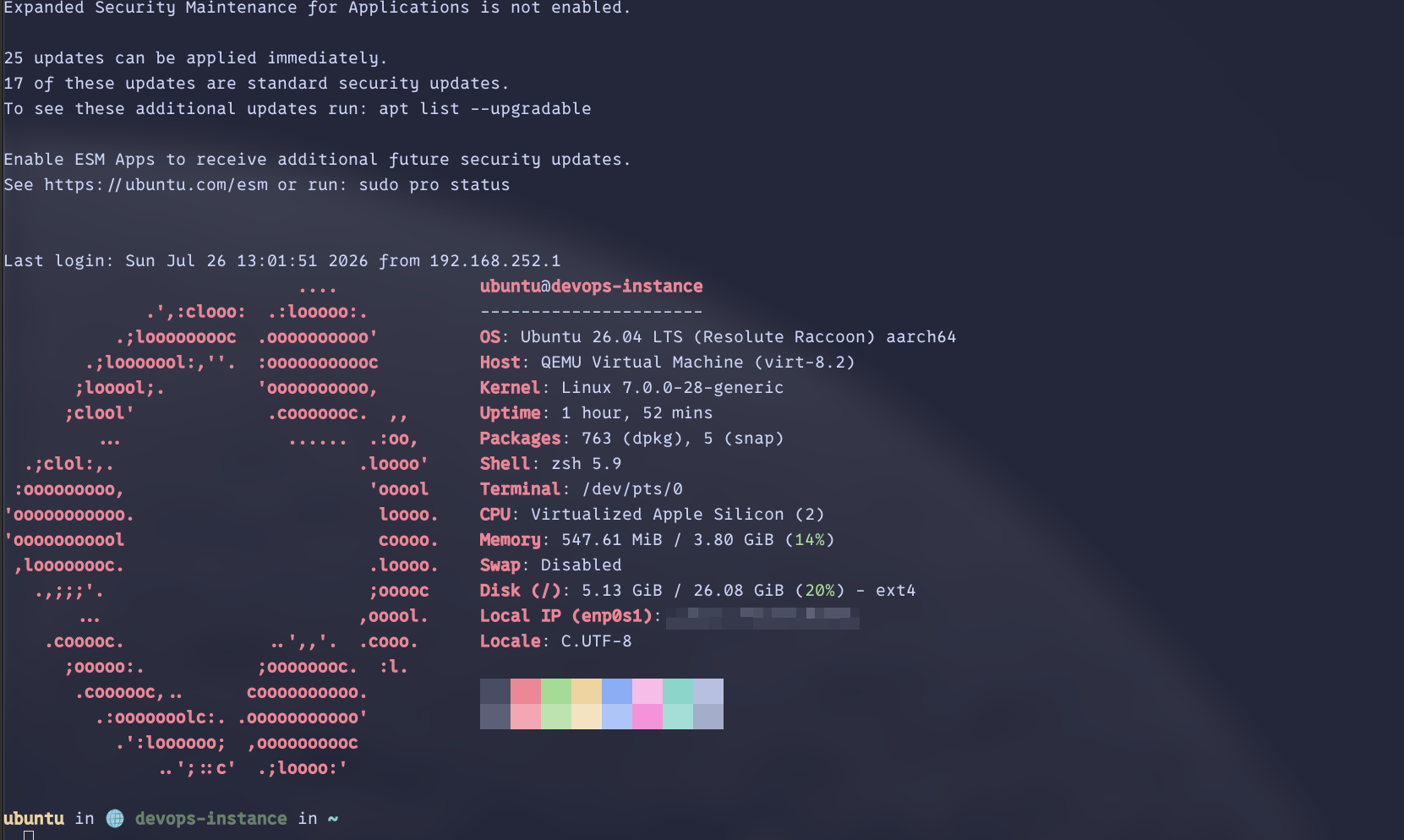
multipass shell devops-instance
# Clean up and delete the VM when you are done
multipass delete --purge devops-instance
First-boot experience Link to heading
Upon entering the VM for the first time, the ubuntu user already has passwordless sudo privileges, Zsh/Starship configured as the shell, and Neovim ready to use.
This demonstrates the value of cloud-init: instead of executing manual setup scripts, the entire system state is defined declaratively, reproducibly, and shareably in a single YAML file.
Checking that everything works Link to heading
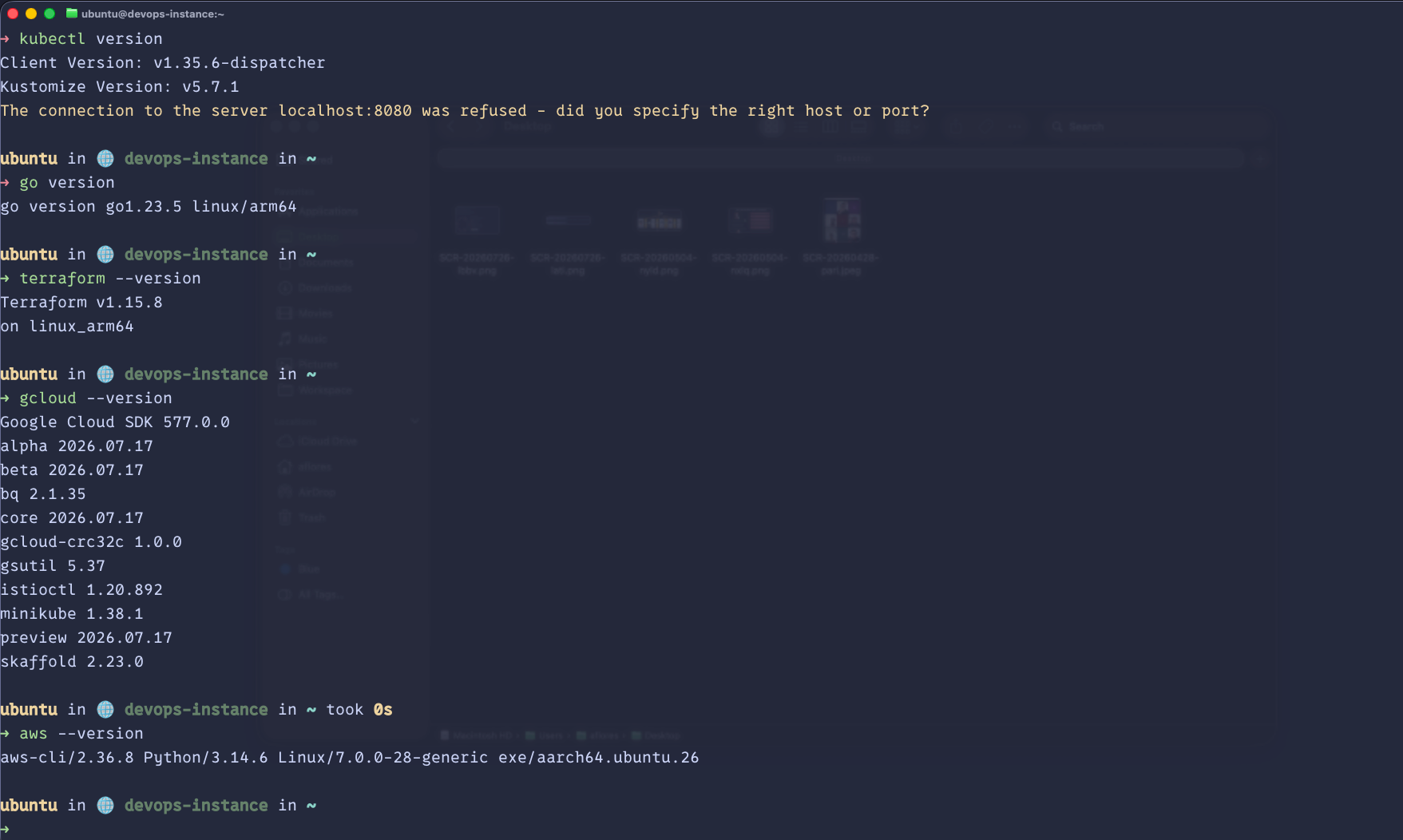
Once inside the VM, you can confirm that everything works by running:
terraform version && aws --version && gcloud version && kubectl version --client && go version && node -v && python --version
Common use cases Link to heading
This VM is ideal for:
- Developing and deploying Terraform configurations in isolation.
- Authenticating and running tasks in AWS and GCP without persisting credentials on the host.
- Experimenting with Kubernetes (
kubectl,k9s) safely. - Testing Go, Python, or Node.js runtimes without altering local machine versions.
Trade-offs and limits Link to heading
This approach does not replace all local use cases:
- For simple tasks or a single runtime, a Docker container is usually faster and lighter.
- If you require graphical interfaces (GUI) or direct integration with host hardware, working natively is better.
However, for DevOps and infrastructure tasks, the reproducibility and isolation of a real, code-based environment outweigh these limitations.
Closing thoughts Link to heading
Controlling your development environment as code is a major productivity boost. With Multipass and cloud-init, you can easily experiment without cluttering your host system.
The next step is to customize cloud-config.yaml to fit your own needs: mount directories, install Docker, or configure personal dotfiles.